Skip to content
My Bible Companion

Stay with the passage.

A Bible study companion for reading, noticing, remembering, and making the words part of your life.

ReadNoticeReturn
Begin with the words
Scroll to begin
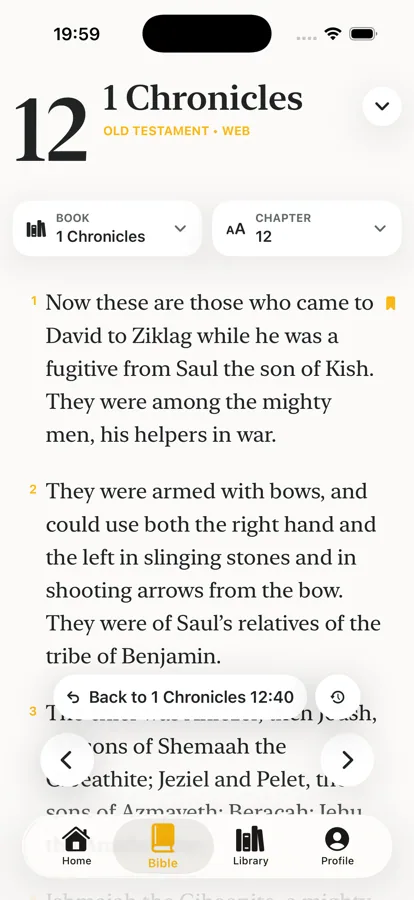
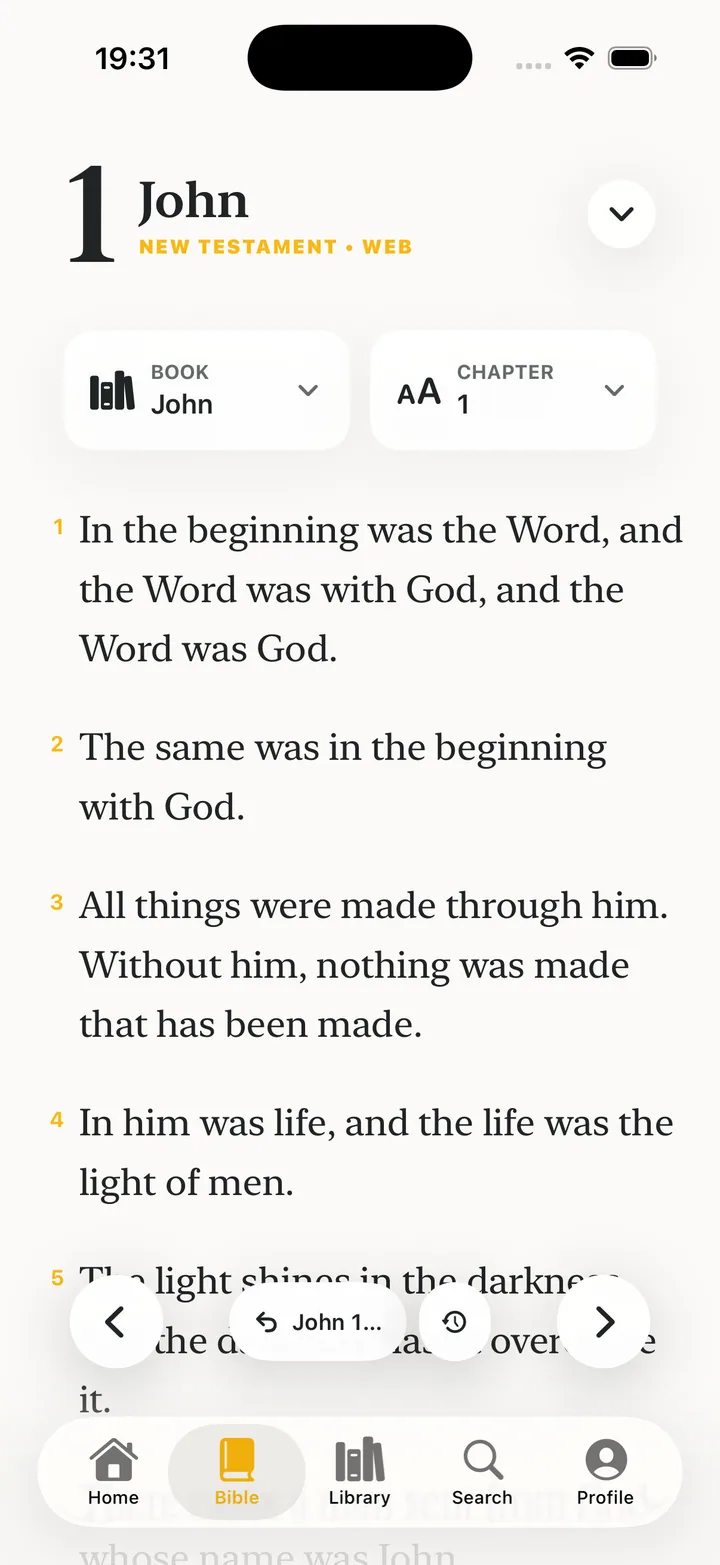
My Bible Companion Bible reader showing John chapter one in the light theme
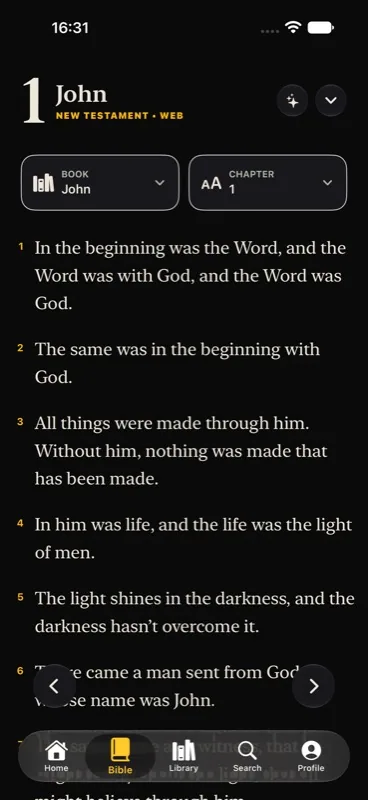
John 1 · clean readingJohn 1 · dark theme

Begin with the words.

A typography-first reader gives Scripture the room to speak. Keep the page clear; keep your tools close.

Bookmarks · highlights · notes · reading trail

Why not read after dark?

When the room gets quiet, switch to a softer page. Dark theme keeps the passage comfortable without moving you away from the words.

Dark theme · same passage · less glare

One phrase can open a world.

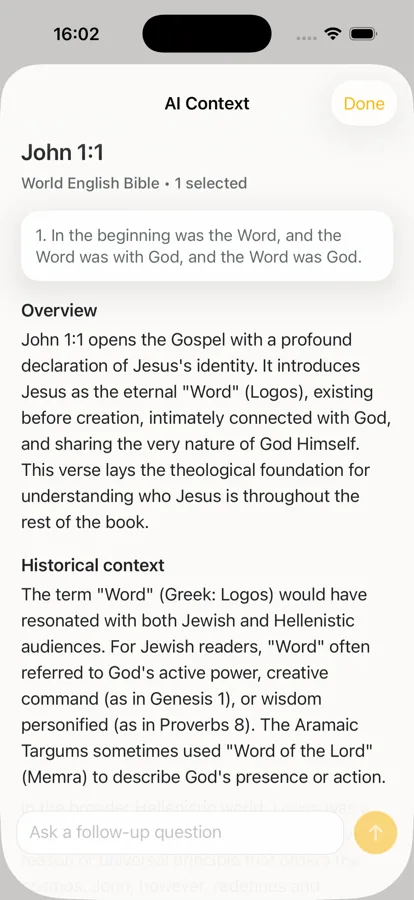
Search the thought, trace the original language, ask for context, and come back to the verse with more to notice.

SearchInterlinearLexiconAI Context

Optional AI is a study aid, not an authority. Bring your own key.

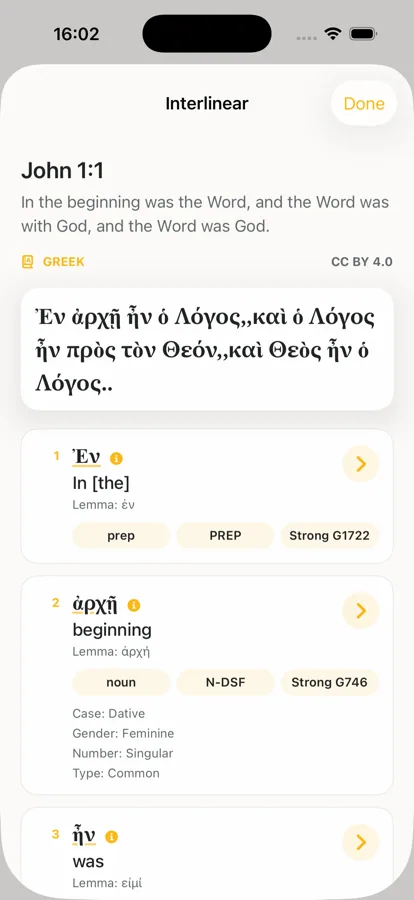
Interlinear study view for John 1:1 with Greek words and Strong number details
Trace the words
AI Context view for John 1:1 in My Bible Companion
Ask a better question

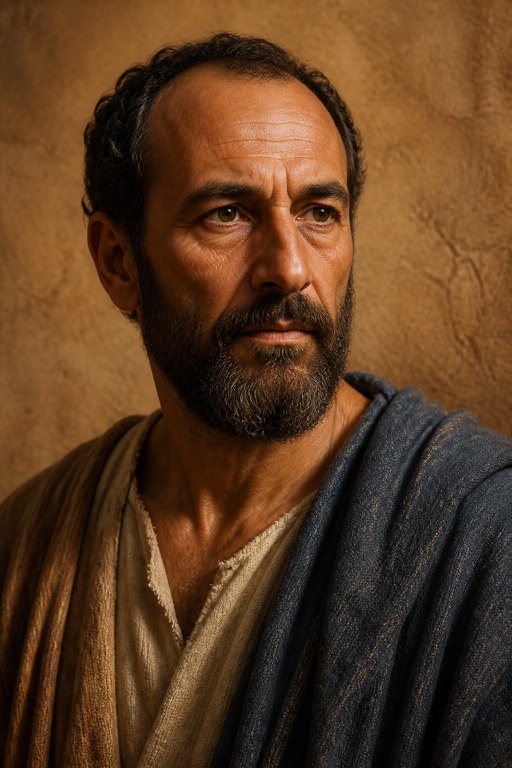
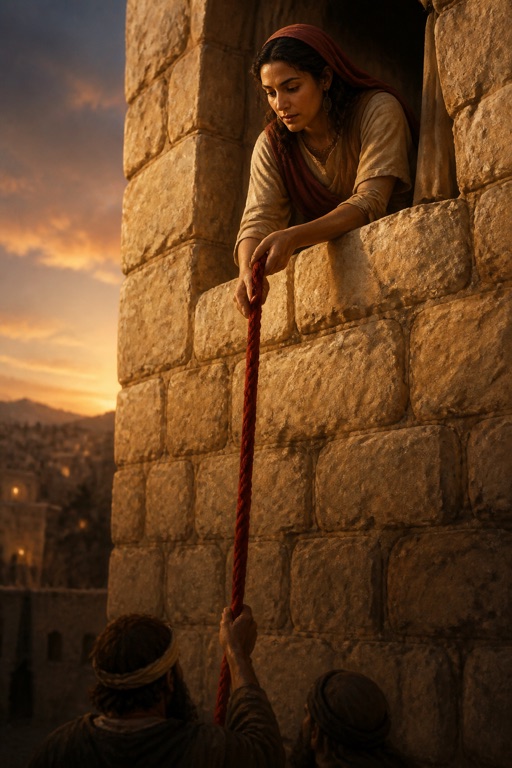
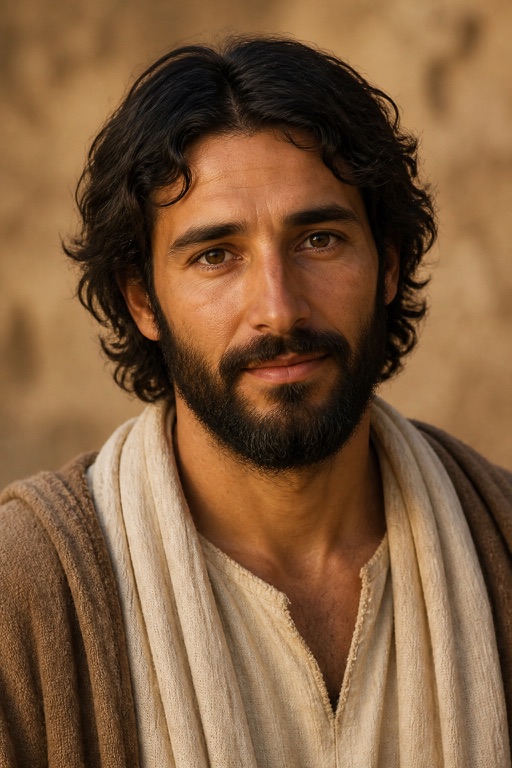
Meet the people inside the story.

The People library makes Scripture feel inhabited: portraits, life journeys, defining stories, facts, and passages that lead you back to the text.

34 profiles · and counting

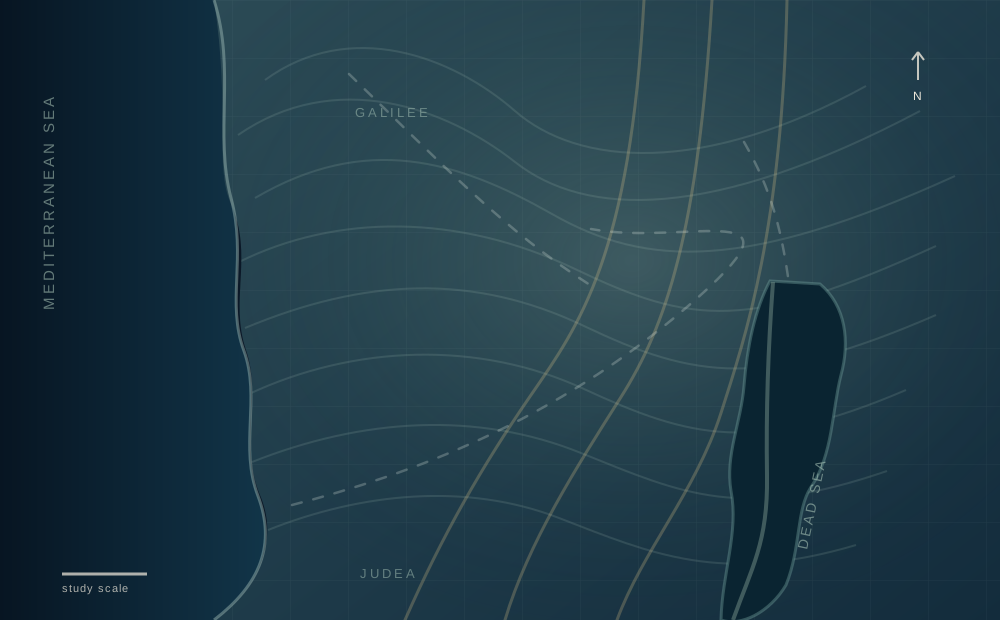
Coordinate-based study map of Judea showing Bethlehem, Bethany, and Jerusalem

Read the places as the story moves.

Follow a source-labeled study arc from Bethlehem to Jerusalem, pausing where the text gives us a place, a person, or a turn in the story.

A study sequence — not a reconstructed ancient road

Jesus · place studyMatthew 2 · Luke 2 · John 11–12
BethlehemBethanyJerusalem
  1. Birth narratives place Jesus in Bethlehem.

    Matthew 2 · Luke 2
  2. John names Bethany, Lazarus, and the return toward Jerusalem.

    John 11–12
  3. Crowds meet Jesus entering Jerusalem on a donkey.

    John 12:12–19

Coordinate base: Bible World · OpenBible.info geocoding data · CC BY 4.0

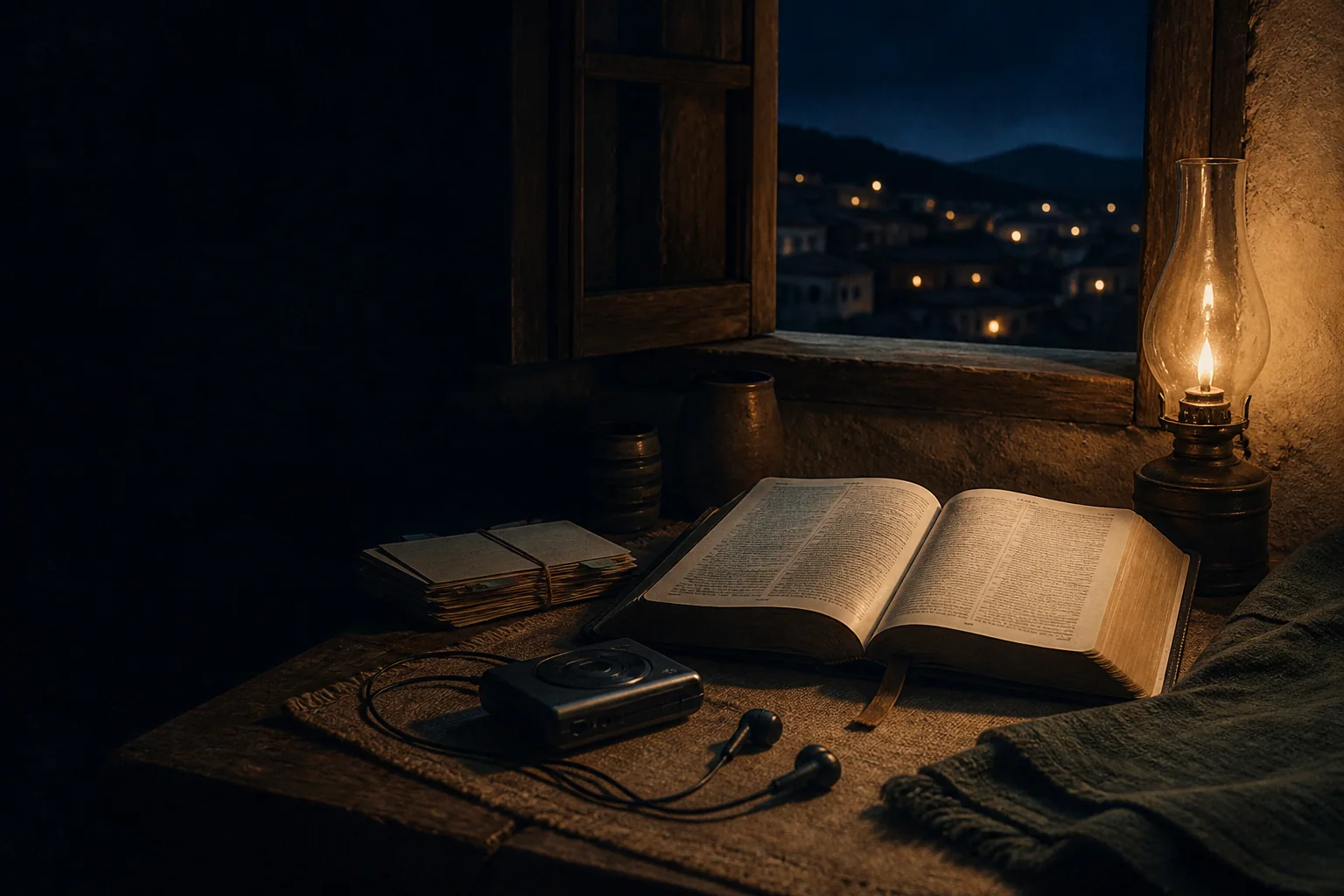
Night study table with an open Bible, warm lamp, and audio earbuds

Read it. Hear it. Make it yours.

Turn a good moment into a rhythm: listen along, practice the verse, and shape your own study material.

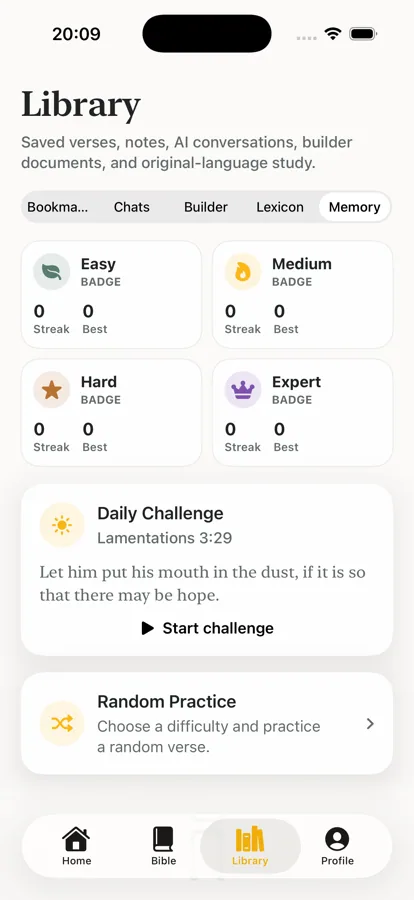
Memory practice view with difficulty badges and Daily Challenge
Memory
Audio Bible playback controls inside the reader
Audio Bible
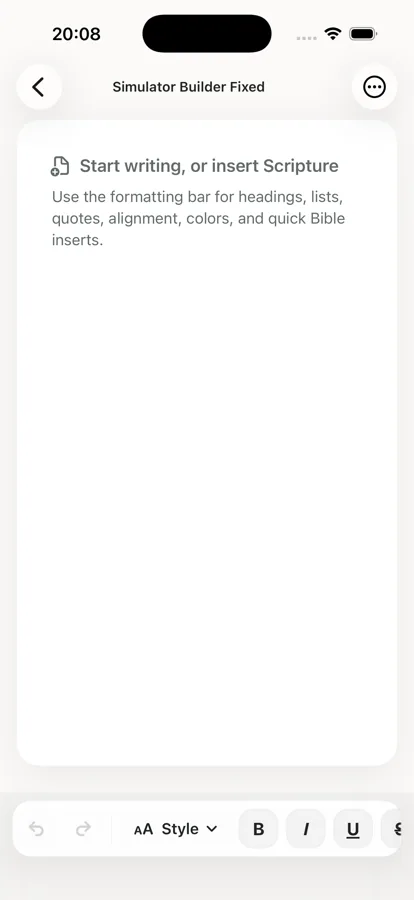
Study Builder document with Scripture inserted into a lesson
Study Builder

Keep the story close to the way you read.

Your notes and study life stay local-first, with optional iCloud Sync across your devices. Privacy is part of the design, not a footnote.

Neon mode lets your saved highlights glow in the colors you choose, so the verses you keep close still feel like yours.

Local-firstOptional iCloud SyncYour preferences
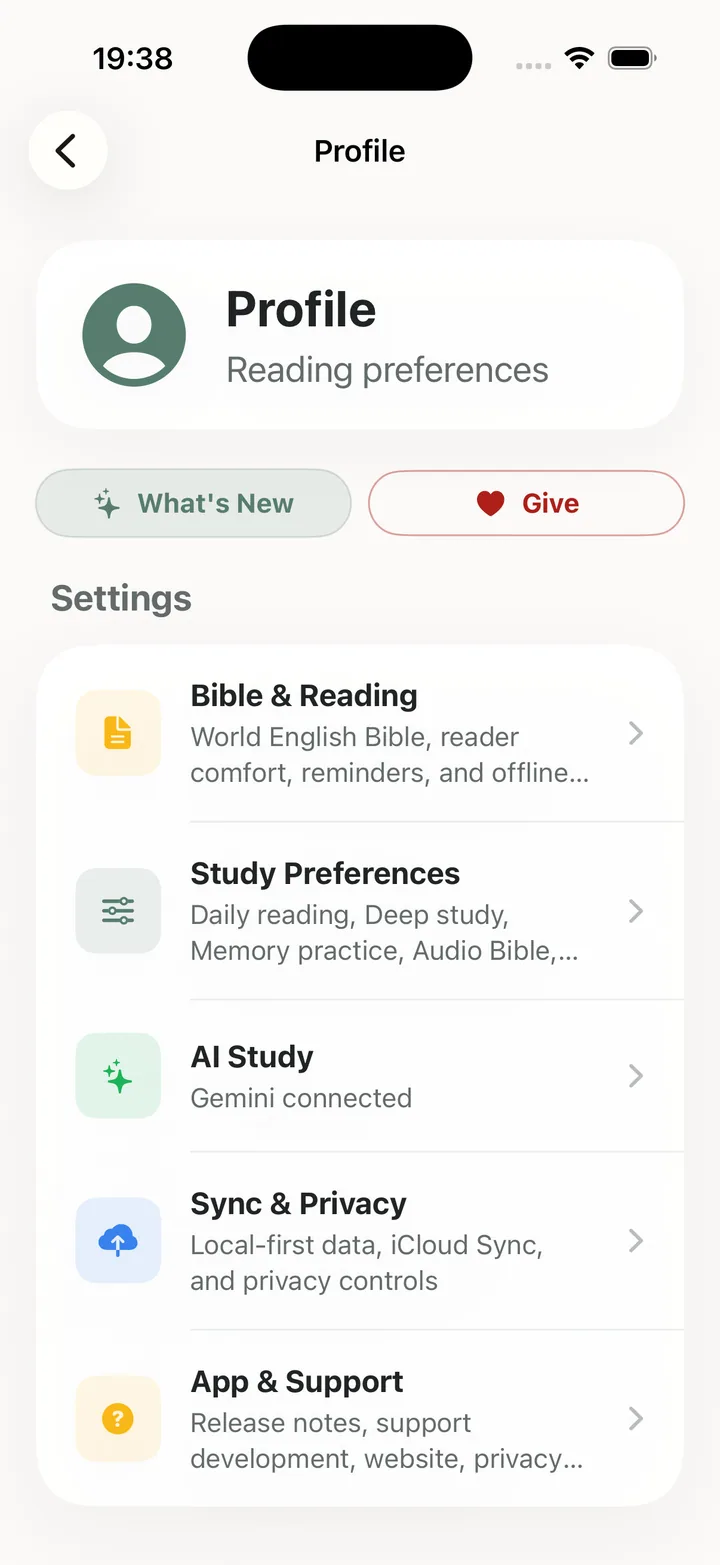
My Bible Companion Profile screen showing reading and privacy settings
ProfileReading preferences

Keep theWord close.

My Bible Companion is available for iPhone and iPad — made for the next quiet moment.

Download on the App StoreComing to Android? Join the waitlist.

Android, when it is ready

Keep us close.

My Bible Companion is live for iPhone and iPad. Join the Android waitlist for future Google Play updates.